19th June 2026 - usability
This month we’ve done an overhaul of the user interface, both for users and developers.
Some of this has been prompted by changes in staff amongst customers - as new people come on board and are inducted into what for them is a completely new system, we need to do as much as possible to make it easy to see how things work.
Luckily, some recent major additions, particularly entity diagrams, have been found to be very useful - see https://agilebase.co.uk/march-2026-improvements-for-new-and-seasoned-developers/
Along with those, we’ve been adding lots of little touches to increase practicality.
For developers:
- when editing a field and you show the list of workflows related to that field, Agilebase now shows which ones set the field value as opposed to those which use it.
- when looking at the list of workflows in a view, you can see the timing of each i.e. how often it runs, along with the list of fields it updates and the conditions for running
- when adding joins to a view, ‘upwards’ and ‘downwards’ suggested joins are clearly identified. Suggested joins are also searchable
- when posting data to a table via an API, a more descriptive error message is shown if the API key is wrong
- API examples are included so developers can easily see calls to make and example results
- even more detailed history is logged: whenever a view is cached, or a workflow is run, you can see what initial action triggered that (.e.g. an update of a product cost might trigger the refresh of a sales profits view)
The more detailed history can be seen for view caching in the ‘ab view access’ table - search for ‘cache update’ in the details field.
For users:
- lots of alignment improvements when editing a record, which has allowed…
- clutter reduction on screen - data is more easily readable at a glance
- if an embedded table (referenced data) in a record is particularly wide, the column it’s in automatically expands to full screen width
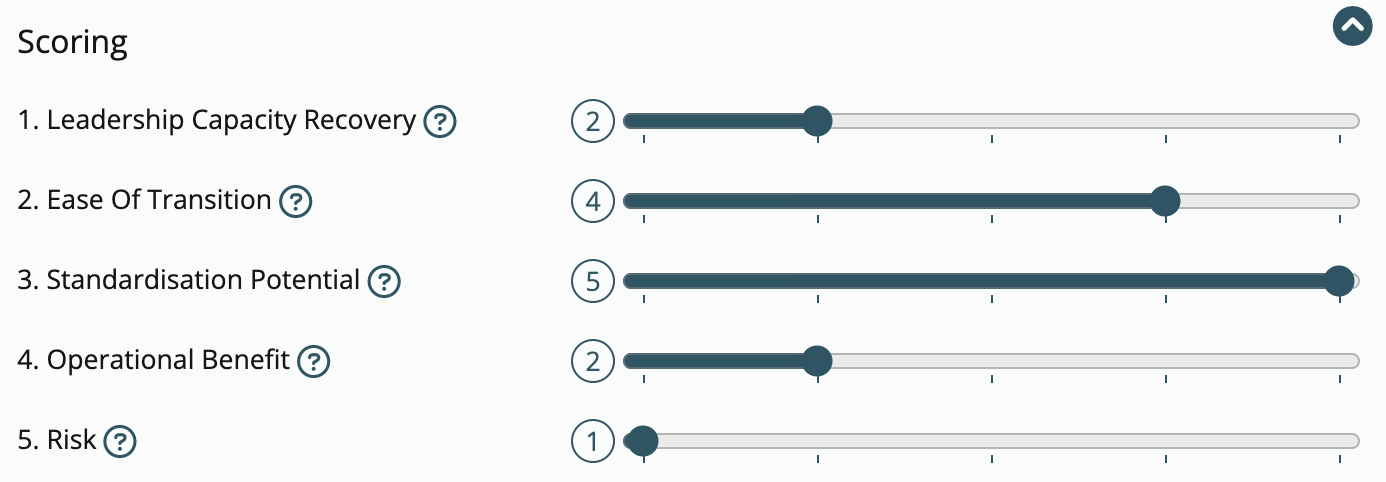
- a number field can now display as a gauge if
- it’s constrained to be within a certain range (at most 10 steps between min. and max. values)
- it is marked as a required field
Feedback
Was this page helpful?
Glad to hear it! Please tell us how we can improve.
Sorry to hear that. Please tell us how we can improve.